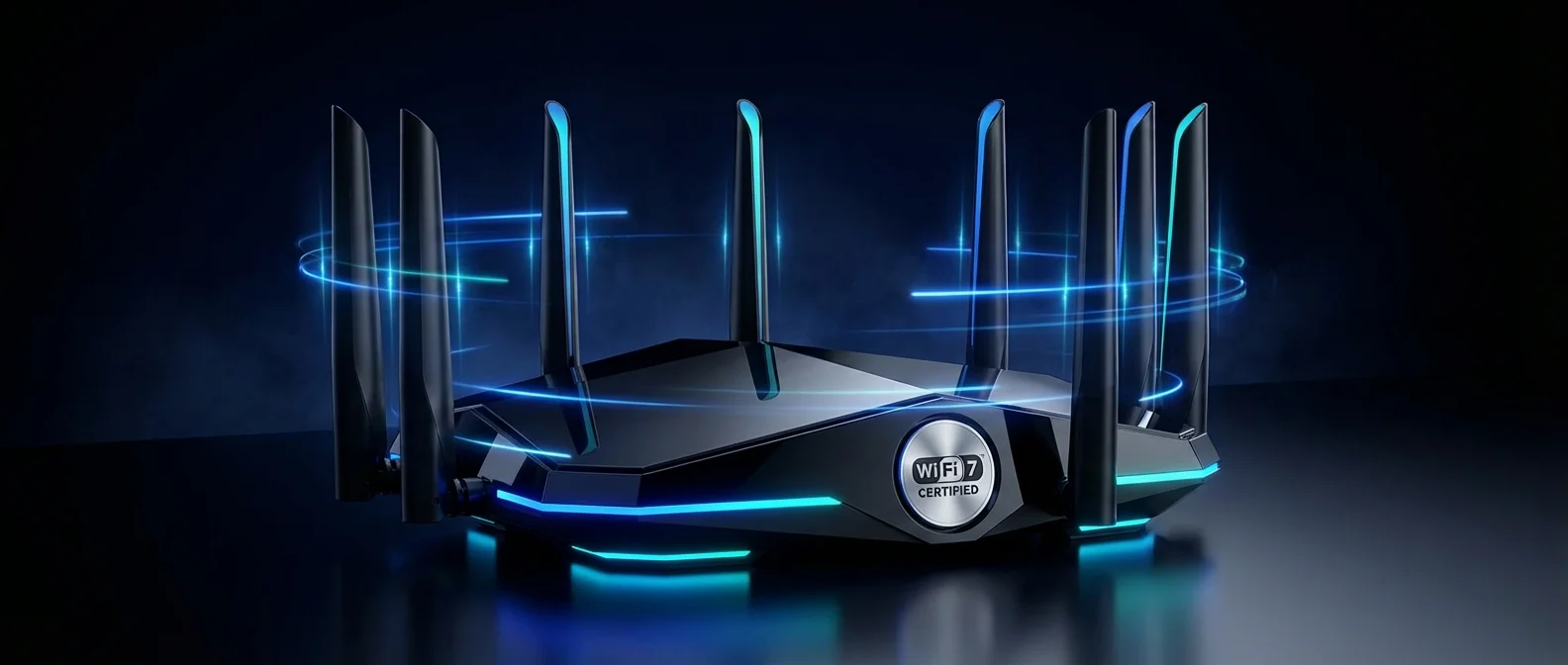
WiFi 7 is no longer a distant promise — it's here, and it brings speeds that sounded like science fiction just a couple of years ago. With theoretical throughput reaching 23 Gbps, 320 MHz channels, and Multi-Link Operation, the new generation of wireless networking fundamentally changes how we connect. In this guide, we break down what WiFi 7 (IEEE 802.11be) actually delivers and which routers are worth your money in 2026.
What Is WiFi 7 (802.11be)?
WiFi 7, officially known as IEEE 802.11be, carries the designation "Extremely High Throughput" (EHT). The standard was published on July 22, 2025, while the Wi-Fi Alliance began certifying devices as early as January 2024. It operates across the 2.4 GHz, 5 GHz, and 6 GHz bands, leveraging multiple frequency spectrums simultaneously. The standard was developed by industry giants including Qualcomm, Intel, Broadcom, Huawei, and Apple.
Compared to WiFi 6/6E, WiFi 7 doesn't just offer faster speeds — it changes how devices manage their connectivity. The ability to simultaneously transmit data across different bands, wider spectrum utilization, and improved performance in multi-device environments are its standout advantages. Let's dive into the core features.
Key WiFi 7 Features
4096-QAM: 20% Faster Data Transfer
WiFi 7 introduces 4096-QAM (4K-QAM) modulation, which encodes 12 bits per symbol compared to 10 bits in WiFi 6's 1024-QAM. This translates to 20% higher theoretical transfer rates without increasing bandwidth. In practice, it means faster file transfers, 8K streaming without buffering, and snappier response times for real-time applications. A single spatial stream at 320 MHz hits 2,882 Mbps — nearly 3 Gbps from just one antenna.
320 MHz Channels: Double the Bandwidth
For the first time, WiFi 7 supports 320 MHz channels — double the 160 MHz ceiling of WiFi 6E. There are also 160+160 MHz and 160+80 MHz configurations for added flexibility. Wider channels mean more data can be transferred simultaneously, dramatically reducing latency. This capability is especially beneficial for cloud gaming, VR applications, and large file transfers over the local network.
Multi-Link Operation (MLO): The Biggest Game-Changer
MLO is mandatory for WiFi 7 certification and represents the most revolutionary change in the standard. Instead of connecting to a single band (e.g., 5 GHz), MLO allows devices to simultaneously send and receive data across multiple bands — 2.4 GHz, 5 GHz, and 6 GHz at the same time.
- Higher throughput: Aggregated speed from multiple links
- Lower latency: Data always flows through the fastest available path
- Uninterrupted connectivity: If one band is congested, the others keep going
- Ideal for gaming and video calls: Rock-solid stability even on crowded networks
Preamble Puncturing & Multiple RUs
Two more mandatory features make a real difference. Preamble Puncturing allows the router to block off an interfered portion of the channel while continuing to use the rest — instead of switching channels entirely. Multiple Resource Units (MRU) improve OFDMA by letting a single user receive multiple resource units simultaneously. These features dramatically improve performance in multi-device homes and offices where dozens of gadgets share the same network.
WiFi 5 vs WiFi 6 vs WiFi 6E vs WiFi 7
WiFi Generations Comparison
| Feature | WiFi 5 | WiFi 6 | WiFi 6E | WiFi 7 |
|---|---|---|---|---|
| Standard | 802.11ac | 802.11ax | 802.11ax | 802.11be |
| Year | 2014 | 2020 | 2021 | 2025 |
| Max Speed | 3.5 Gbps | 9.6 Gbps | 9.6 Gbps | ~23 Gbps |
| Bands | 5 GHz | 2.4/5 GHz | 2.4/5/6 GHz | 2.4/5/6 GHz |
| QAM | 256-QAM | 1024-QAM | 1024-QAM | 4096-QAM |
| Channel Width | 80 MHz | 160 MHz | 160 MHz | 320 MHz |
| MLO | No | No | No | Yes ✓ |
As the table shows, WiFi 7 represents the biggest upgrade in WiFi history. Maximum theoretical speed nearly triples compared to WiFi 6/6E, while MLO adds an entirely new dimension of flexibility. Even if you never hit 23 Gbps in practice, the real-world improvement is noticeable at every level of usage.
"WiFi 7 isn't just about bigger numbers — it's about smarter, more reliable connectivity. With MLO, for the first time a WiFi network can deliver reliability comparable to a wired connection."
Operating System Compatibility
WiFi 7 support is steadily expanding across all platforms. Android supports WiFi 7 from version 13 onward, with full MLO on newer flagships. On Windows, support arrived with Windows 11 build 26063. Linux kernel 6.2+ provides basic support, with mesh in 6.4 and full MLO from 6.5. Most modern laptops and smartphones from 2025-2026 already ship with WiFi 7 chipsets.
Best WiFi 7 Routers in 2026
The WiFi 7 router market has matured considerably, with options for every budget. Here are our top picks based on performance, coverage, and value for money.
ASUS ROG Rapture GT-BE98
The ultimate gaming router. Quad-band, 8 antennas, full MLO support with outstanding coverage for large spaces.
- Quad-Band WiFi 7
- 320 MHz channels, MLO
- 10 Gbps WAN port
Price: ~€700-800
TP-Link Archer BE900
Top-tier tri-band router with striking design and 10 Gbps capability. Perfect for demanding households with plenty of devices.
- Tri-Band WiFi 7
- 4096-QAM, MLO
- LED touchscreen display
Price: ~€380-450
TP-Link Deco BE85 (2-pack)
Mesh WiFi 7 system for complete coverage in larger homes. Each unit works as a full WiFi 7 access point with MLO.
- Tri-Band Mesh WiFi 7
- Coverage ~550+ m²
- Seamless roaming
Price: ~€400-500 (2-pack)
TP-Link Archer BE550
The best budget WiFi 7 pick. Affordable price without sacrificing the essentials — ideal if you want WiFi 7 without breaking the bank.
- Tri-Band WiFi 7
- MLO, 4096-QAM
- EasyMesh support
Price: ~€150-180
Beyond these picks, the ASUS ZenWiFi BQ16 Pro (~€550-650) deserves a mention for premium mesh WiFi 7, the Netgear Nighthawk RS700S (~€450-550) for a premium single-unit experience, and the entry-level TP-Link Archer BE230 (~€90-120) for those wanting to dip their toes into WiFi 7 with minimal investment.
Is It Worth Upgrading Now?
Before deciding, it's worth considering your internet connection. Even the best WiFi 7 router won't make your 100 Mbps VDSL line faster for internet browsing — but it will dramatically improve internal communication between devices, coverage, and stability. For those with FTTH (fiber to the home) or access to 1 Gbps+ speeds, WiFi 7 unlocks the full potential of your connection.
The answer depends on your needs. If you have multiple devices, stream in 4K/8K, play online games, or work remotely with video calls, WiFi 7 will make a tangible difference — especially in stability and latency thanks to MLO. If your current router is WiFi 5 or older, the upgrade is a no-brainer. If you already have WiFi 6E, it's only worth upgrading if you're dealing with coverage issues or you specifically want MLO.
Keep in mind that to fully leverage WiFi 7, you need devices that support WiFi 7 (smartphones, laptops). Most 2025-2026 flagships — Samsung Galaxy S25/S26, iPhone 16/17, newer MacBooks — already support WiFi 7. That said, a new router will also improve your older WiFi 6/6E devices thanks to more efficient traffic management.
Final Thoughts
WiFi 7 is the most significant advancement in wireless networking in years. With MLO, 320 MHz channels, 4096-QAM, and Preamble Puncturing, it doesn't just offer impressive specs on paper — it fundamentally improves how we experience our connection. Router prices have started coming down, with solid options ranging from €90 to €800. If you're thinking about a router upgrade, 2026 is the perfect year to make the jump to WiFi 7.