📖 Read more: VDSL vs Fiber: Real Speed Differences
📊 What Does a Speedtest Actually Measure?
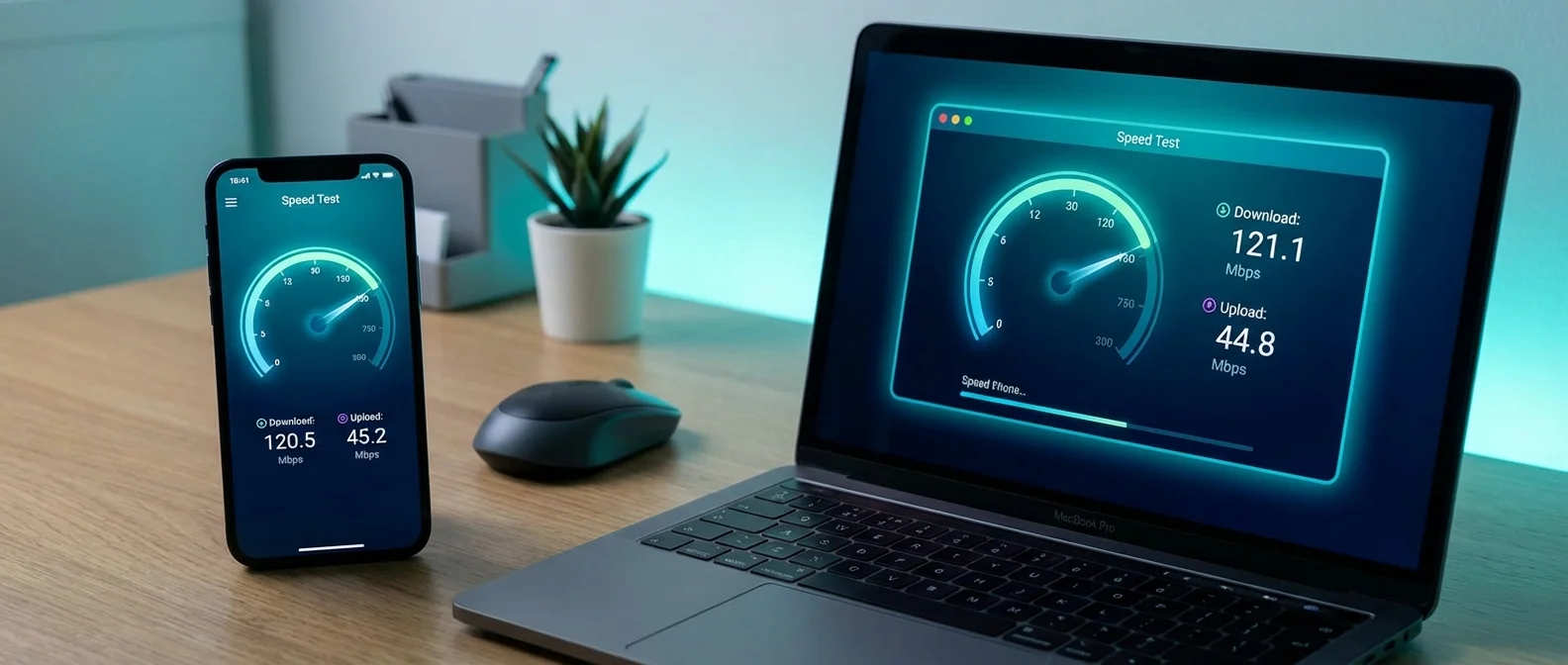
A speedtest measures three fundamental things: download speed (how fast you receive data), upload speed (how fast you send data), and latency/ping (how long it takes a data packet to reach the server and return). These three numbers give you a complete picture of your connection's performance.
Download Speed
Measured in Mbps (megabits per second). Affects how fast web pages load, videos stream, and files download. You need at least 25 Mbps for 4K streaming.
Upload Speed
Critical for video calls, cloud backups, live streaming, and sending large files. Zoom HD requires at least 3 Mbps upload. It's typically much lower than download speed.
Latency / Ping
Measured in ms (milliseconds). Lower is better. Under 20ms = excellent, 20-50ms = good, above 100ms = problematic. Critical for gaming and video calls.
Jitter
The variability in ping — how stable your connection is. High jitter means an unstable connection, even if average ping looks fine. Ideally below 5ms.
Mbps vs MB/s — The Confusion That Tricks Everyone
One of the most common mistakes: 1 byte = 8 bits. When your speedtest shows 100 Mbps (megabits), that translates to roughly 12.5 MB/s (megabytes) of actual file download speed. In other words, a 1 GB file would take about 80 seconds to download — not 10 seconds as many people assume.
🛠️ The Best Speedtest Tools in 2026
Not all speedtest tools are created equal. Each uses different methodology, different servers, and produces slightly different results. Ideally, you should run at least 2-3 different tools to get a representative picture.
📋 Popular Speedtest Tools Compared
| Tool | Owner | Servers | Accuracy | Strength |
|---|---|---|---|---|
| Speedtest.net | Ookla / Ziff Davis | 16,000+ | Excellent | Largest server network |
| Fast.com | Netflix | Netflix CDN | Very Good | Measures real streaming capacity |
| Google Speed Test | Google CDN | Good | Fast, ad-free | |
| nPerf | nPerf SAS | 800+ | Good | European, detailed |
| Cloudflare Speed | Cloudflare | Cloudflare CDN | Very Good | Detailed jitter, loaded latency |
| LibreSpeed | Open Source | Self-hosted | Varies | 100% open source, no tracking |
Ookla Speedtest — The Industry Standard
Speedtest.net by Ookla remains the most widely used tool globally, with over 52.3 billion tests to date and more than 16,000 servers across every corner of the world. It's available as a web app, desktop application (Windows, Mac), and mobile app (iOS, Android).
Ookla uses a custom TCP protocol that delivers more accurate results than simple HTTP testing. It automatically selects the nearest server, but you can change this manually — useful if you want to measure latency to a specific location (e.g., a game server in Frankfurt).
Fast.com — Netflix's Alternative
Fast.com was created by Netflix to measure how effectively you can actually stream. It uses the same CDN endpoints as Netflix, so if fast.com shows you 50 Mbps, that's what you can actually stream at.
Clicking “Show more info” reveals upload speed, latency (loaded & unloaded), and client information. It's an excellent second opinion alongside Ookla.
✅ How to Run a Proper Speedtest — Step by Step
A speedtest's accuracy depends as much on the conditions during testing as on the tool itself. Follow these steps for reliable results:
Use an Ethernet Cable
If you test over Wi-Fi, the result reflects your Wi-Fi performance — not your connection. Use an Ethernet cable (Cat5e or Cat6) directly to the router.
Close All Applications
Close downloads, streaming, updates, cloud sync. Anything consuming bandwidth will affect results. Disable your VPN if active.
Disconnect Other Devices
Phones, tablets, smart TVs, IoT devices — all share bandwidth. Ideally, only the measurement device should be connected.
Pick a Nearby Server
In Ookla, select a server in your city or country. A server in the US will show lower download speeds and much higher ping.
Run 3+ Measurements
One test isn't enough. Run at least 3 tests at different times (morning, afternoon, evening) for a representative picture.
Use 2+ Tools
Compare results from Ookla + fast.com + Cloudflare. If they agree, the measurement is reliable.
⚠️ Common Measurement Mistakes
- Testing over Wi-Fi: Even Wi-Fi 6 loses 20-40% speed compared to Ethernet
- Peak hours testing: Between 8-11 PM, bandwidth is compressed due to network congestion
- Outdated router: A 2018 router may not support speeds above 300 Mbps
- Distant server: Distance increases latency and reduces throughput
- Active VPN: VPNs reduce speed by 10-50% depending on provider
- Cat5 cable: Old Cat5 (not Cat5e) cables max out at 100 Mbps
🇬🇷 Greece 2026: Where Do We Stand Globally?
According to the Ookla Speedtest Global Index (January 2026), Greece ranks 31st globally in fixed broadband speeds. This represents a significant improvement compared to 5 years ago, primarily thanks to the expansion of FTTH networks.
📊 Greece vs Europe — Fixed Broadband (January 2026)
| Country | Avg Download | Avg Upload | Latency | Rank |
|---|---|---|---|---|
| 🇷🇴 Romania | 290+ Mbps | 195 Mbps | 8ms | #3 |
| 🇫🇷 France | 255+ Mbps | 170 Mbps | 12ms | #8 |
| 🇪🇸 Spain | 210+ Mbps | 125 Mbps | 11ms | #14 |
| 🇩🇪 Germany | 115 Mbps | 52 Mbps | 15ms | #39 |
| 🇬🇷 Greece | 138.64 Mbps | 17.08 Mbps | 21ms | #31 |
| 🇮🇹 Italy | 110 Mbps | 45 Mbps | 18ms | #42 |
Interesting fact: Greece outperforms Germany in average download speed. This is because Germany still relies heavily on copper DSL lines, while Greece invested more recently — but more decisively — in FTTH. The weak point remains upload speed (17.08 Mbps), indicating many users are still on FTTC/VDSL connections.
🔧 What Affects Your Speed?
If your speedtest shows lower speeds than what you're paying for, the issue could be at multiple points. Let's examine the main factors:
Connection Technology
- ADSL: Up to 24 Mbps, distance-dependent
- VDSL/FTTC: Up to 100 Mbps, depends on copper
- FTTH: Up to 3 Gbps, consistent speed
- 5G FWA: 100-500 Mbps, depends on coverage
Home Network
- Router quality (Wi-Fi 5 vs 6 vs 6E)
- Ethernet vs Wi-Fi connection
- Cable category (Cat5e, Cat6)
- Distance from router / obstacles
Device & Software
- Old network card (100 Mbps limit)
- Browser extensions / antivirus
- Background downloads/updates
- Active VPN software
Provider Network
- Network congestion (peak hours)
- Peering agreements with CDNs
- Technical issues at DSLAM/OLT
- Ongoing network upgrades
📱 Mobile Speedtest — Different Rules Apply
Speed testing on a mobile network (4G/5G) is an entirely different proposition. Speed depends on antenna coverage, congestion, band/frequency, and even how many people are connected to the same tower at that moment.
📱 Tips for Reliable Mobile Speedtests
- Disable Wi-Fi: Make sure you're testing the mobile network, not Wi-Fi
- Go outdoors: Buildings significantly reduce signal strength
- Use the native app: The Ookla app gives more accurate results than a browser test
- Run multiple tests: Variability on 4G/5G is much greater
- Note your location: Results vary dramatically by position
- Close background apps: Social media, mail sync, and updates consume data
Average 5G download in Greece: 150-300 Mbps (varies by provider and location). Average 4G download: 30-60 Mbps. If you're seeing below 10 Mbps on 4G, the tower is likely overloaded or signal strength is weak.
🎯 How Much Speed Do You Actually Need?
Many users pay for speeds they don't need — or conversely, struggle with a connection that can't handle their usage. Here's a realistic guide:
🎯 Speed Requirements by Usage
| Usage | Minimum Download | Ideal Download | Upload |
|---|---|---|---|
| Browsing & Email | 5 Mbps | 25 Mbps | 1 Mbps |
| Netflix 4K | 25 Mbps | 50 Mbps | 3 Mbps |
| Zoom / Teams HD | 5 Mbps | 15 Mbps | 5 Mbps |
| Online Gaming | 10 Mbps | 50 Mbps | 5 Mbps |
| Content Creator / Streamer | 50 Mbps | 200 Mbps | 50+ Mbps |
| Family 4+ devices | 50 Mbps | 200 Mbps | 10 Mbps |
| Smart Home (20+ IoT) | 30 Mbps | 100 Mbps | 10 Mbps |
⚡ What to Do When Speed Is Low
If your speedtests consistently show speeds lower than what you're paying for, follow this troubleshooting sequence:
Step 1: Restart Your Router
Unplug the router for 30 seconds, then reconnect. This fixes about 40% of issues. If speed improves, it was a software glitch.
Step 2: Try Ethernet
If you're using Wi-Fi, test with Ethernet. If speed jumps up, the problem is your Wi-Fi — consider Mesh or a better router.
Step 3: Test at Different Times
If speed only drops in the evenings, it's a network congestion issue. If it's always low, it's a line problem.
Step 4: Contact Your Provider
If speed is consistently below 70% of your plan, request a technical inspection. Keep screenshots of your speedtest results.
💡 Pro Tips
- Change DNS: Try Google DNS (8.8.8.8) or Cloudflare (1.1.1.1) — won't change speed but may improve latency
- Firmware Update: Make sure your router has the latest firmware version
- Wi-Fi Channel: In apartment buildings, try changing the Wi-Fi channel (or use 5 GHz band)
- QoS Settings: Configure Quality of Service if your router supports it — prioritizes gaming/video calls
- Powerline Adapters: An alternative solution when running Ethernet cables isn't practical
📌 Conclusion — Knowledge Is Speed
A speedtest isn't just a button you press — it's a diagnostic tool that helps you understand whether you're getting what you pay for, whether your home network is functioning properly, and whether you need an upgrade.
Greece is in a strong position at the European level (31st globally, ahead of Germany!), largely thanks to rapid FTTH deployment. The average download of 138.64 Mbps means access to 4K streaming, remote work, and multiple devices without issues.
Remember: Ethernet, nearby server, 3+ measurements, 2+ tools. Those are the 4 rules for a reliable speedtest. Everything else — in detail — you've found in this guide.