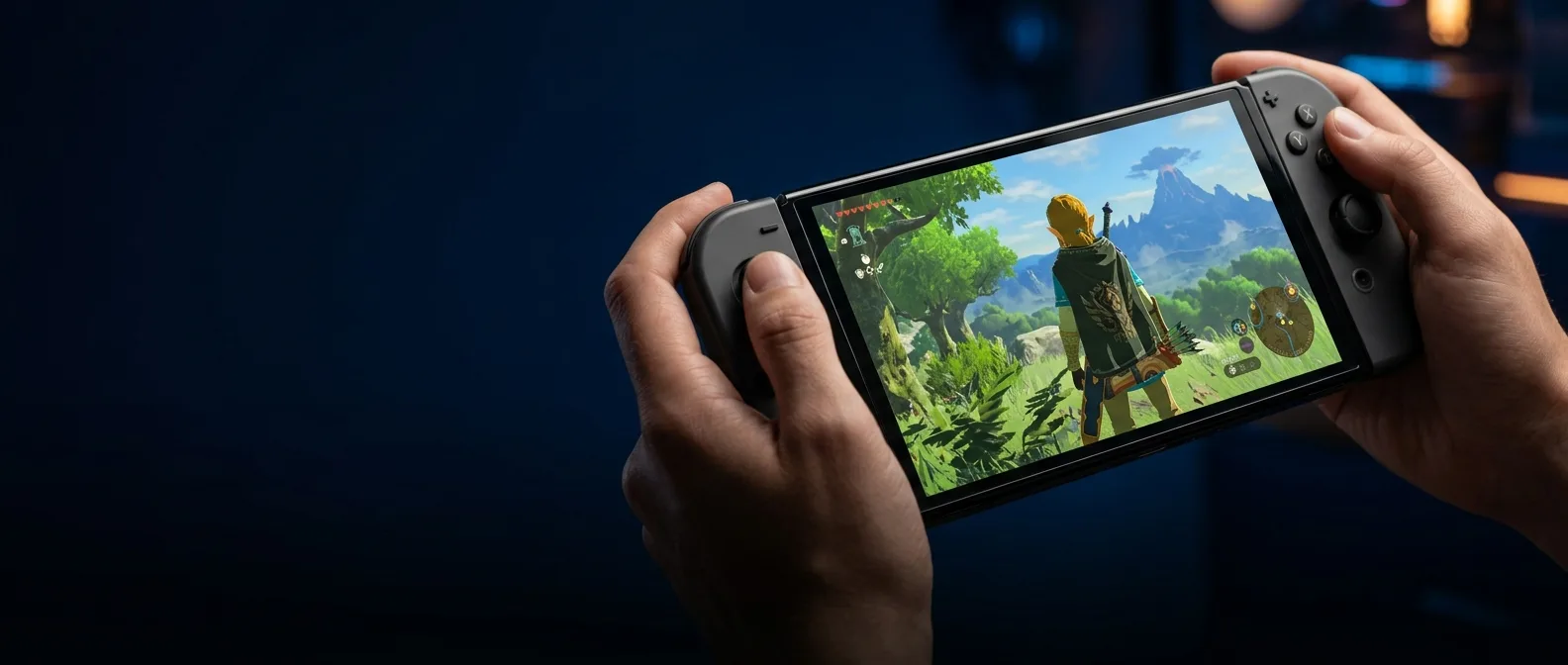
Nintendo just fixed one of the Switch 2's most frustrating problems. With update 22.0.0 that dropped March 16, 2026, the company quietly introduced Handheld Mode Boost — a feature that lets original Switch games run with TV mode power while you're playing portable. The result? Thousands of titles jump from blurry 720p upscaling to crisp 1080p rendering on the Switch 2's handheld screen.
Eleven months after launch, Nintendo finally addressed what every Switch 2 owner knew but rarely talked about. Original Switch games looked rough in handheld mode. They were designed for 720p, then stretched to fill the 1080p screen. Predictably fuzzy.
🚀 How Switch 2 Handheld Mode Boost Actually Works
The new feature isn't magic. It tricks your Switch 2 into thinking it's docked when you're playing handheld. Games activate their TV mode settings — higher resolution, more stable frame rates, sometimes extra visual effects that were hidden in portable mode.
Key limitation: Handheld Mode Boost only works with original Switch games. Native Switch 2 titles aren't affected — they're already optimized for the new hardware.
You'll find the toggle buried in System Settings > System > Nintendo Switch Software Handling. One simple on/off switch you can flip anytime. Nintendo ships it disabled by default — and there's good reason for that.
⚡ Performance That Impresses, But Costs Battery Life
The results are dramatic for specific game categories. Mario Kart 8 Deluxe, which targets 1080p in TV mode, now runs pin-sharp on the handheld screen instead of the blurry mess we've endured. Persona 5 Royal sees even more dramatic improvements — jumping from sub-720p resolution to much cleaner visuals.
These numbers come from early testing by Digital Foundry and other outlets. Resident Evil 5, a game that struggled on the original Switch with frame rates in the high 20s during demanding scenes, now hits 50+ fps. Nearly double the performance.
Which Games Benefit Most from Boost Mode
There's a clear pattern. Games that had significant differences between handheld and docked modes see the biggest improvements. Titles like The Witcher 3 and The Outer Worlds — ports that never ran ideally on Switch — now look "noticeably less bad" as Kotaku puts it.
Motion control games have problems, though. Super Mario Maker 2, Pokémon Let's Go, and Zelda: Skyward Sword HD won't even launch with boost mode enabled. The feature disables the touchscreen and treats Joy-Con 2 controllers like a Pro Controller.
🔋 The Battery Life Trade-Off
Here's where the compromise hits. Nintendo warns that the feature increases power consumption, and community testing confirms it. One Reddit user ran Doom Eternal from full charge — 5+ hours without boost, 3 hours 43 minutes with boost active.
That's roughly 23-25% reduction in battery life. Not catastrophic, but enough to make you think twice before enabling it for every session. Especially if you're gaming on trains or long flights.
Battery Impact
23-25% shorter duration with boost mode active
Input Changes
Joy-Con 2 functions as Pro Controller, no touch support
Visual Quality
From 720p stretched to native 1080p rendering
🎮 When to Enable Boost Mode (And When Not To)
The strategy is straightforward: enable it for games that looked blurry or had performance issues in the original Switch's handheld mode. Leave it disabled for titles that rely heavily on touchscreen, motion controls, or when battery life is priority.
This isn't a set-it-and-forget-it setting. It's a tool you use when needed. Playing Mario Kart 8 Deluxe for an hour? Turn on boost. Want to build levels in Super Mario Maker 2? Keep it disabled.
The Missing Compatibility List
One frustration is Nintendo hasn't published an official compatibility list. You don't know beforehand which games will benefit and which will refuse to run. You have to test game-by-game.
The community has started building spreadsheets with results, but it's still early days. Nightdive Studios remasters (like Virtua Racing), Burnout Paradise, and games that generally targeted 1080p when docked seem to be perfect fits for the new mode.
🔍 Shadow Launch with Major Impact
What's striking is how quietly Nintendo rolled this out. No press release, no trailer, just a small mention at the end of patch notes. We're talking about one of the most significant features added to Switch 2 since launch.
"The case for revisiting a Switch 1 library in handheld mode has never been stronger"
TechWalla analysis
Maybe the company wants to see how the community reacts first. Or perhaps they don't want to highlight that older games weren't running optimally until now. Either way, the feature is here and it works.
What We Expect Going Forward
There's room for improvement. An official compatibility list would help enormously. Game-specific settings that would allow fine-tuned adjustments per title. Or even better — a "Smart Boost" mode that would activate automatically for games that benefit and stay disabled for problematic ones.
For now though, the basic feature works. And for anyone with a Switch 2 and a large library from the original Switch, it's absolutely worth the time to experiment. Especially with games you always knew should look better in handheld mode.
Handheld Mode Boost won't save a bad port, but it'll make many good ports look great. And that, a year after launch, is exactly the feature we needed to reassess the portable experience of our old favorites.
Sources: