📖 Read more: Drone Battery: Tips for Longer Flight Time
⚠️ The 10 Most Common Drone Crash Causes
Before learning how to avoid accidents, you need to understand why they happen. The following are the most frequent causes based on real user data and technical reports:
The Other 6 Causes:
- Pilot error — Orientation confusion, panic, or overly aggressive stick inputs. Especially common among beginners who haven't mastered the controls yet.
- GPS/compass interference — Magnetic fields near metal structures, bridges, or cell towers can confuse the drone's position. The DJI Mini 4 Pro uses GPS + Galileo + BeiDou, but no technology is infallible.
- Rain/moisture — DJI consumer drones aren't waterproof. Per DJI support: "Avoid contact with water during use. If it rains during flight, return and land immediately."
- Birds — Crows, seagulls, and raptors will attack drones, especially near nests or during breeding season (March–June). Keep a safe distance from flocks.
- Cold (<-10°C / 14°F) — The DJI Mini 4 Pro operates between -10° and 40°C (14°–104°F). LiPo batteries lose significant capacity in cold weather, cutting flight time by 20–30%.
- Firmware issues — DJI recommends always updating firmware before flying. Updates can fail if the battery is below 20% or if the network connection drops mid-download.
🛡️ Obstacle Avoidance Systems: How They Work
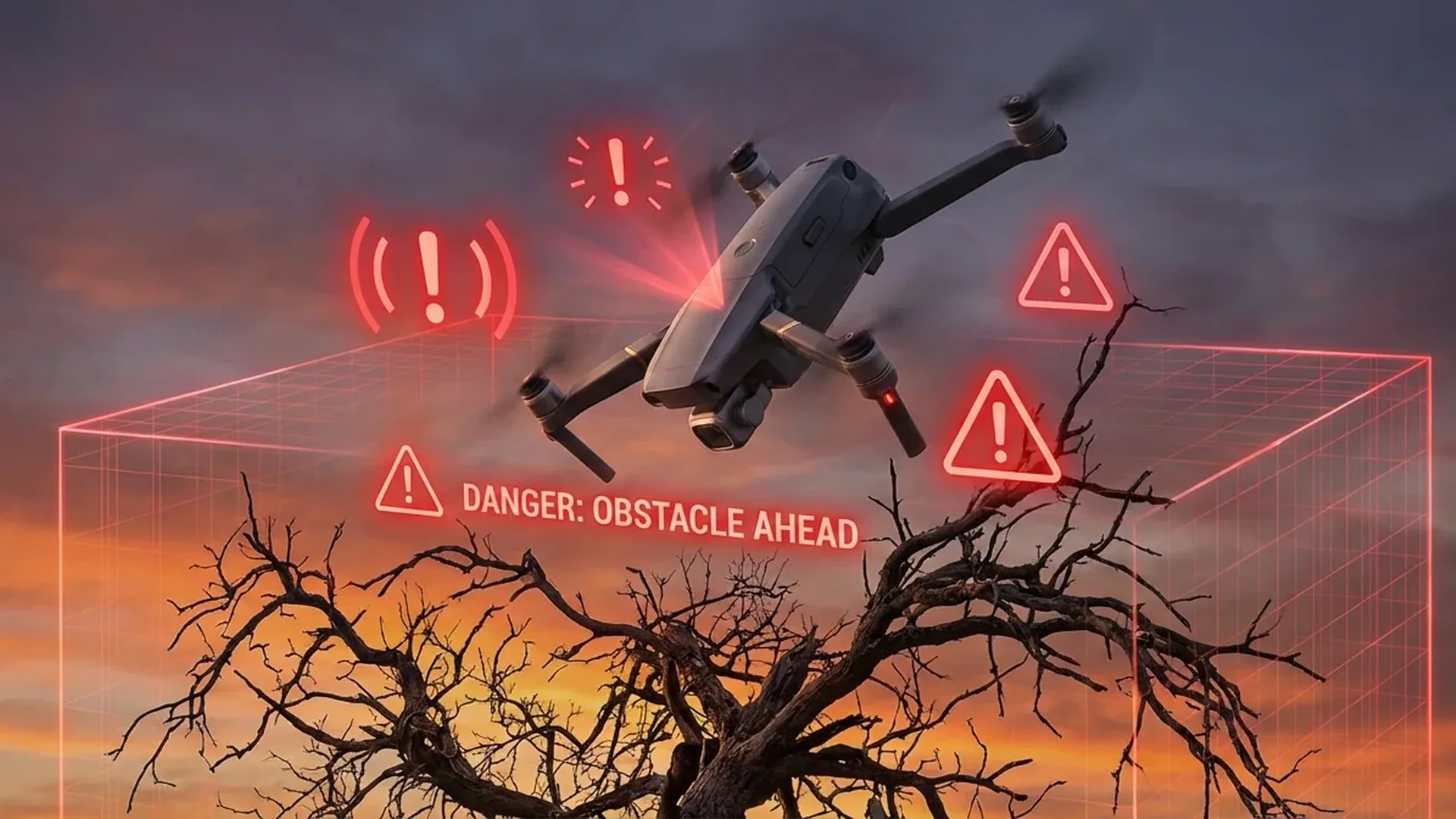
Obstacle avoidance technology is your drone's most critical line of defense. Modern DJI drones feature APAS (Advanced Pilot Assistance Systems), which uses vision sensors to detect obstacles and react automatically.
DJI Mini 4 Pro: Full Situational Awareness
The DJI Mini 4 Pro packs four wide-angle vision sensors plus a pair of downward vision sensors. This means it detects obstacles from all directions — front, rear, left, right, above, and below. APAS 5.0 offers two response modes:
- Brake — The drone stops automatically when it detects an obstacle in its path.
- Bypass — The drone plots an alternative route around the obstacle and continues flying.
The Vision Assist feature shows you a live feed from the obstacle sensors on your screen — front, rear, left, or right — so you can see what's around you before getting too close.
Sensor Comparison by Model
Full Coverage
- DJI Mini 4 Pro — Omnidirectional, APAS 5.0
- DJI Air 3 / Air 3S — Omnidirectional, APAS 5.0
- DJI Mavic 3 Pro — Omnidirectional, APAS 5.0
Partial Coverage
- DJI Mini 3 Pro — Front/Rear/Down, APAS 4.0
- DJI Mini 3 — Downward only
- DJI Flip / Neo 2 — Basic sensors only
⚠️ Warning: No obstacle avoidance system can detect thin wires (power lines, phone cables), glass surfaces, or transparent mesh. In low light (night, fog), the vision-based sensors can degrade significantly or fail altogether. Always fly with visual line of sight.
🎮 Flight Modes & Safety Levels
DJI drones offer three core flight modes, each with a different level of safety. Your choice directly determines whether obstacle avoidance will actually work:
N Mode (Normal)
Max speed 12 m/s. Full APAS active — automatic braking or bypassing around obstacles. The safest option for everyday flying and video capture.
S Mode (Sport)
Max speed 16 m/s. Obstacle avoidance is reduced or disabled! Use only in wide-open areas, well away from any obstacles.
C Mode (Cine)
Slow, smooth movement. APAS active. Ideal for cinematic shots and beginners — the lower speed gives you much more reaction time.
🔴 Critical: In S Mode (Sport), the drone moves too fast for the sensors to react in time. If you need speed, make absolutely sure you're in a completely open area with no trees, buildings, or wires. Many beginner crashes happen in S Mode.
✅ Pre-Flight Checklist: 10 Steps Before Every Flight
Up to 90% of accidents can be prevented with a proper pre-flight assessment. DJI recommends a thorough check before every takeoff. Here's the list:
1. Inspect the propellers
Look for cracks, wear, warping, corrosion, and loose screws. Replace immediately if anything looks off.
2. Battery >50%
Never take off below 50%. Always keep a 20–25% reserve for a safe return trip.
3. Firmware up to date
The DJI Fly app notifies you of updates. Don't postpone — firmware patches fix safety-critical bugs.
4. Compass calibration
Calibrate when you change locations or when the app prompts you. Prevents drift and flyaway scenarios.
5. Set the Home Point
Verify the Home Point is recorded correctly on the GPS map. Otherwise, RTH will bring the drone to the wrong spot.
6. RTH altitude > obstacles + 10 m
Set the Return-To-Home altitude above the tallest obstacle in the area plus a 10-meter safety buffer.
7. Check the weather
Wind <8 m/s, no rain, temperature -10° to 40°C. The Mini 4 Pro handles up to 10.7 m/s, but don't push it.
8. Airspace clearance
Check no-fly zones through the DJI Fly app or FlySafe. Airports, military zones, and heritage sites are off limits.
9. Clean sensors
Wipe the obstacle sensor lenses with a soft cloth. Dust, fingerprints, or fogging effectively blinds the sensors.
10. Quick test hover
Take off to 2 meters and hover for 10 seconds. If you notice drift or anything unusual, land immediately.
🌬️ Flying in Challenging Conditions
Weather is every drone pilot's biggest adversary. Even a sub-249 g mini drone like the DJI Mini 4 Pro is significantly affected by the elements. Let's break down each factor:
Wind
The DJI Mini 4 Pro withstands up to 10.7 m/s (roughly 38.5 km/h or Beaufort 5). That said, this is the absolute maximum — the drone can hold position, but the battery drains much faster as the motors work overtime. The recommended thresholds:
- <5 m/s (Beaufort 3) — Ideal conditions for beginners
- 5–8 m/s (Beaufort 4) — Fine for experienced pilots
- 8–10 m/s (Beaufort 5) — Fly only if you absolutely must — watch the battery closely
- >10 m/s — Don't fly. Flyaway risk increases dramatically
"Wind is the invisible enemy — you can't see it on camera, but your drone feels every gust. Always check local weather conditions before takeoff, especially at elevated altitudes and near coastlines."
Rain & Moisture
DJI consumer drones (Mini, Air, Flip) are not waterproof. DJI explicitly states: "If it rains during flight, return immediately. Wait until the aircraft is fully dry inside and out before using it again." Even light drizzle can cause short circuits in the electronics or fog up the sensor lenses. If you see clouds forming, bring the drone down before the rain starts.
Cold Weather
At -10°C / 14°F (the lower operating limit), battery capacity drops significantly — expect 20–30% less flight time. Warm the batteries in your pocket before inserting them. If flying in cold conditions, keep a larger battery reserve (30–35% instead of 20%).
Night & Low Light
The DJI Mini 4 Pro's obstacle sensors are vision-based — they need light. During night flights or in fog, obstacle detection degrades significantly or may fail entirely. If you fly in low light, rely on your own judgment — don't blindly trust APAS.
🔙 Return-To-Home: Your Emergency Lifeline
Return-To-Home (RTH) is arguably the most reliable safety net built into every DJI drone. It kicks in under three main scenarios:
- Signal Loss RTH — If the link between the controller and drone is severed, the aircraft automatically returns to the Home Point. On the Mini 4 Pro with O4 transmission, range reaches up to 20 km (FCC), but in urban environments with interference it can drop to 1.5–4 km.
- Low Battery RTH — When the battery gets low, the DJI Fly app calculates whether there's enough energy for a safe return. If the current distance requires nearly all remaining power, automatic RTH triggers.
- Manual RTH — Press the RTH button on the controller or in the app. You can cancel at any time.
Advanced RTH (DJI Mini 4 Pro)
Unlike older models, the Mini 4 Pro plans a safe return route, automatically bypassing obstacles on the way home. The AR RTH feature displays the planned path on your controller screen, giving you full oversight. For best results:
- Set the RTH altitude above the tallest obstacle in the area (+ 10 m safety buffer)
- Confirm the Home Point is correctly recorded (check it on the DJI Fly map)
- Don't rely 100% on RTH in enclosed environments (dense trees, between buildings) — always monitor the path
🔧 What to Do After a Crash
Accidents happen, even to seasoned pilots. If you crash, stay calm and follow these steps:
- Kill the motors — Push both sticks down and inward to stop the motors if they haven't already shut off.
- Locate the drone — Use the last known position on the DJI Fly app map. An AirTag or GPS tracker attached to the drone helps immensely.
- Remove the battery — Never leave the battery inside a water-crashed drone. Short circuit risk is real.
- Inspect the propellers — Broken or bent props are easily replaced (replacement set: ~€10 / ~$11).
- Check the gimbal & camera — If the gimbal shakes or won't stabilize, it likely needs professional servicing.
- Test the motors — Manually spin each motor. If you feel friction or grinding, that motor needs replacing.
- Test hover — If everything looks fine, do a test hover at 2 meters for 30 seconds. If it drifts, ground it.
💰 Prevention vs Repair: The Math
Prevention costs a fraction of what repairs do. Consider the real numbers:
Prevention Costs
360° Propeller Guard — ~€20–25 (~$22–27)
DJI Care Refresh 1-year — ~€45–55 (~$49–60)
DJI Care Refresh 2-year — ~€75–90 (~$82–98)
Replacement propeller set — ~€10 (~$11)
Sturdy carrying case — ~€25–35 (~$27–38)
Repair Costs
Gimbal replacement — €80–150 (~$87–163)
Motor replacement — €40–70 (~$44–76)
Frame/body replacement — €100–200 (~$109–218)
Full repair without Care — €150–300+ (~$163–327+)
Flyaway without Care — buy a new one!
💡 Pro tip: DJI Care Refresh covers accidental damage (crash), water damage, and flyaway. At ~€45–55 (~$49–60) per year, it gives you one or two replacements at a reduced cost. If you fly regularly, consider it mandatory — especially during your first few months.
🏆 10 Golden Rules of Safe Flying
To wrap things up, these are the 10 rules you should follow every single time:
- Always do a pre-flight check — Propellers, battery, firmware, compass. Every. Single. Flight.
- Fly in N Mode — Obstacle avoidance only works fully in N and C mode.
- Maintain visual line of sight (VLOS) — If you can't see your drone, bring it back.
- Battery ≥ 20–25% — Start heading home before it drops below this. In cold weather, 30%.
- Don't fly in wind >8 m/s — The Mini 4 Pro handles 10.7 m/s, but that doesn't mean you should push it.
- Set the correct RTH altitude — Above every obstacle, plus a safety buffer.
- Avoid thin wires — They're invisible to sensors. Stay away from power pylons and overhead lines.
- Stay clear of birds — If you see a flock, change direction. Never fly near nests.
- Keep firmware updated — Every update can bring important safety improvements.
- Get DJI Care Refresh — If the worst happens, it'll save you financially. ~€45–55 (~$49–60)/year is well worth it.