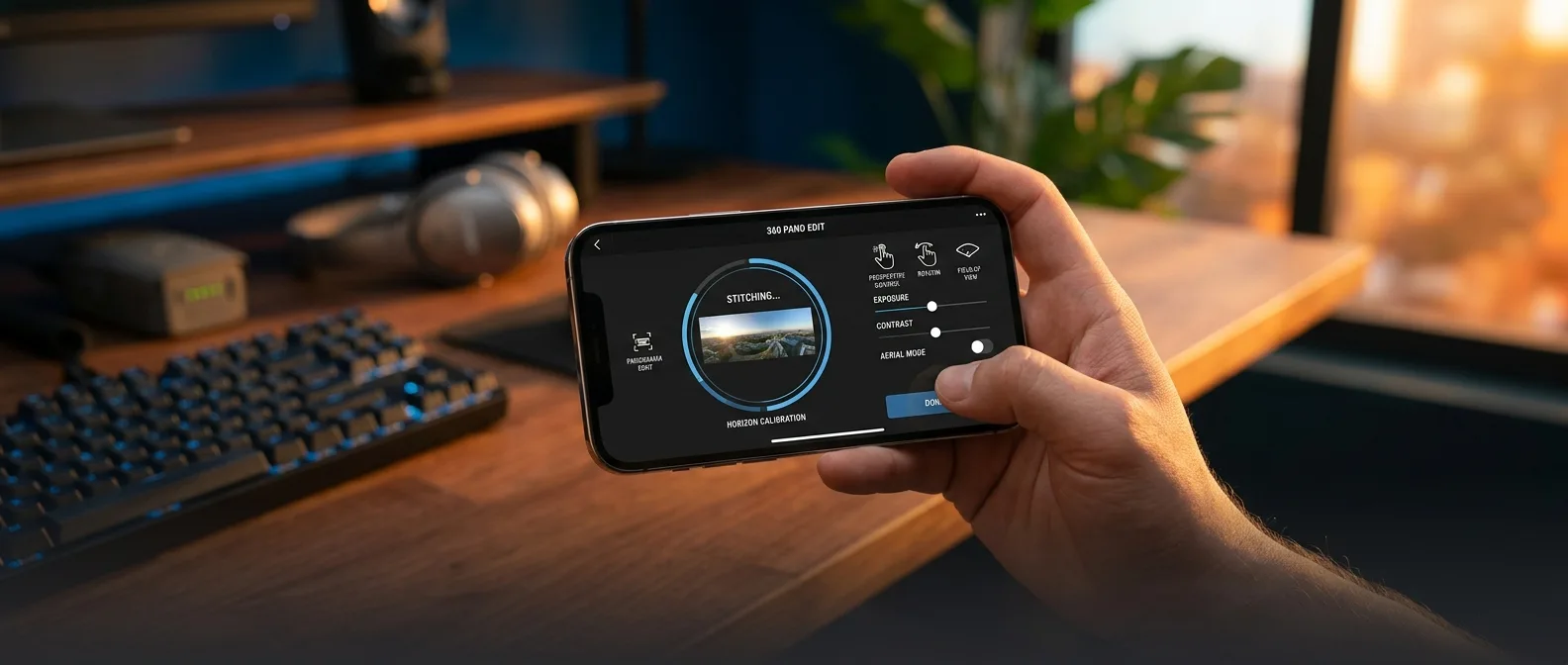
🚁 What DJI Fly 1.20.0 Actually Changes
This isn't just another drone added to the compatibility list. We're talking about a fundamental shift in how aerial photography works. The Avata 360 ditches the traditional forward-facing camera for dual ultra-wide 200-degree lenses that capture literally everything around you. What does this mean in practice? For the first time, you can fly without thinking about framing. The camera records everything. You decide what to show in post. It's like having infinite cameras in the sky at once.Key features in the new version:
- Full Avata 360 support with dual 1/1.1-inch sensors
- 8K/60fps HDR recording in 360 degrees
- Compatibility with DJI RC 2, Goggles 3, and Goggles N3
- New reframing tools via GyroFrame
- Built-in FPV effects for dramatic movements
From Three Blades to Four
One change you'll notice immediately: the new four-blade propellers instead of the three-blade design on older Avata models. Sounds technical, but this translates to more stable flight even in moderate winds — critical when you're recording in 8K.📱 DJI Fly Becomes an Editing Studio
Here's where the magic really happens. DJI Fly 1.20.0 isn't just a control app anymore — it's a complete creation studio. GyroFrame lets you "re-shoot" your footage after the flight, changing angles and perspectives in ways that would be impossible with traditional cameras.One-Tap Editing
Automatic highlight creation with smart selection of the best moments
ActiveTrack 360°
Object tracking in all directions — even if they leave the original frame
FPV Mode: Drama Without the Difficulty
One of the biggest barriers to FPV photography is the learning curve. It takes months to learn to fly in ways that produce cinematic shots. The new FPV mode in DJI Fly changes this equation — it adds dynamic motion effects in post-production, so you don't need to be an ace pilot to get dramatic high-speed footage.⚡ O4+ Transmission: More Than Marketing
DJI claims the O4+ system can reach 20 kilometers with live 1080p/60fps feed. In the real world, with interference and obstacles, expect something more conservative — but even half of that is impressive.🎯 Who the Avata 360 Is Really For
Here's where things get interesting. Traditionally, FPV drones target experienced pilots who've invested hundreds of hours learning control. The Avata 360 with the new DJI Fly changes this equation. Omnidirectional obstacle sensors make crashes much less likely. Propeller guards add extra safety. And the fact that you can focus on flying without worrying about framing makes the entire experience more accessible.This doesn't mean zero learning required. But the curve is definitely gentler than with traditional FPV setups."With any drone, whether entry-level or high-end, flying and filming are two tightly connected skills. The 360 camera has completely different dynamics."
— Review from Fstoppers
Single Lens Mode: Best of Both Worlds
One feature that sets the Avata 360 apart from competitors is Single Lens mode. Instead of being limited to 360 recording only, you can switch to traditional 4K/60fps forward-facing camera. It's like having two drones in one — something that makes the investment more logical for those wanting flexibility.🥊 Avata 360 vs Antigravity A1
The Avata 360 doesn't exist in a vacuum. Antigravity made the first move in 360-degree drones with the A1 in 2025, and now DJI is responding with its own weapons. On paper, the Avata 360 seems to have several advantages. Larger sensors (1-inch equivalent vs 1/1.28 inches) mean better low-light performance — a known weak point of the A1. 8K/60fps vs 8K/30fps gives more options for slow-motion. But the A1 has one significant advantage: it weighs under 250 grams, putting it in a different legal category in many countries. The Avata 360 at 455 grams requires registration for flight in most jurisdictions.The Situation Globally
Here's where things get interesting for international buyers. The Avata 360 isn't officially available in the US due to FCC regulations, but European distribution is normal. The price for the Fly More Combo in Europe is around €939 — significantly lower than the €1,599 Antigravity A1.🔧 Compatibility and Ecosystem
One of DJI's biggest aces is the ecosystem. The Avata 360 works with existing DJI Goggles 3, Goggles N3, and various controllers (RC 2, RC-N2, RC-N3, RC Motion 3). If you've already invested in DJI equipment, you don't need to start from scratch. Conversely, the Antigravity A1 requires purchasing an entirely new ecosystem. Its goggles have impressive micro-OLED displays, but if you already have DJI equipment, the choice becomes easier.Compatible DJI equipment:
- DJI RC 2, RC-N2, RC-N3 controllers
- DJI Goggles 3 and Goggles N3
- DJI RC Motion 3 for immersive FPV
- DJI FPV Remote Controller 3
💰 Pricing and Availability
DJI's pricing model manages to be both aggressive and logical. The basic drone-only version costs around €459 — significantly under €500. But to fully utilize the 360° capabilities, you'll want at least the RC 2 package (€719) or better yet the Fly More Combo (€939). The Motion Fly More Combo (€939) includes motion controls that make the FPV experience truly immersive. Compared to the €1,599 Antigravity A1 — which includes only one battery — DJI's value proposition looks competitive.What the Fly More Combo Includes
The Fly More Combo contents show DJI thought holistically about the experience: - Three additional batteries for a total of 4 (roughly 90 minutes of flight time) - Charger that handles all batteries simultaneously - Foldable landing pad - Specialized carrying case - Spare propellers and tools🎯 Frequently Asked Questions
Can I use the Avata 360 with my existing DJI Goggles?
Yes, if you have DJI Goggles 3 or Goggles N3. Older models aren't supported due to processing requirements for 360° data.
Do I need registration for flight in Europe?
Yes, the Avata 360 weighs 455 grams, exceeding the 250-gram limit. Registration is required and you must follow current aviation regulations.
Is 8K recording practical for everyday use?
Depends on your equipment. 8K requires powerful PC/Mac for smooth editing. Fortunately, DJI Fly offers significant on-device editing, so you can create highlights on your phone.
If all this works as DJI promises, 2026 could be the year 360° aerial photography goes mainstream. Sure, the company tends to oversell in presentations — but this time, the specs and ecosystem seem mature enough to actually change the game. Now we just wait to see if reality matches the promises.Sources: